Framework for Fertilizer Sale (FFS) App Guide: How to Book Fertilizer Online

What is the Framework for Fertilizer Sale (FFS) App?
The Framework for Fertilizer Sale (FFS) is a new mobile application introduced by the Agriculture Department to help farmers book fertilizers like Urea, DAP, and NPK online.
During the Kharif season, farmers often face long queues and fertilizer shortages. To solve this, the government has launched the FFS app. It allows farmers to pre-book their required fertilizers based on their land records and crop type, ensuring they get the right amount of fertilizer exactly when they need it.
This system guarantees that fertilizers are distributed fairly and directly to genuine farmers, preventing black marketing and artificial shortages.
Key Benefits of Using the FFS App
- Guaranteed Availability: Book your fertilizer in advance from your mobile phone.
- Fair Distribution: Fertilizer quantity is calculated automatically based on your land area and crop type.
- No Long Queues: Generate a QR code at home and simply show it at the dealer's shop.
- Flexibility: Both landowners and tenant farmers (who farm on leased land) can use the app.
Step 1: FFS App Download and Registration
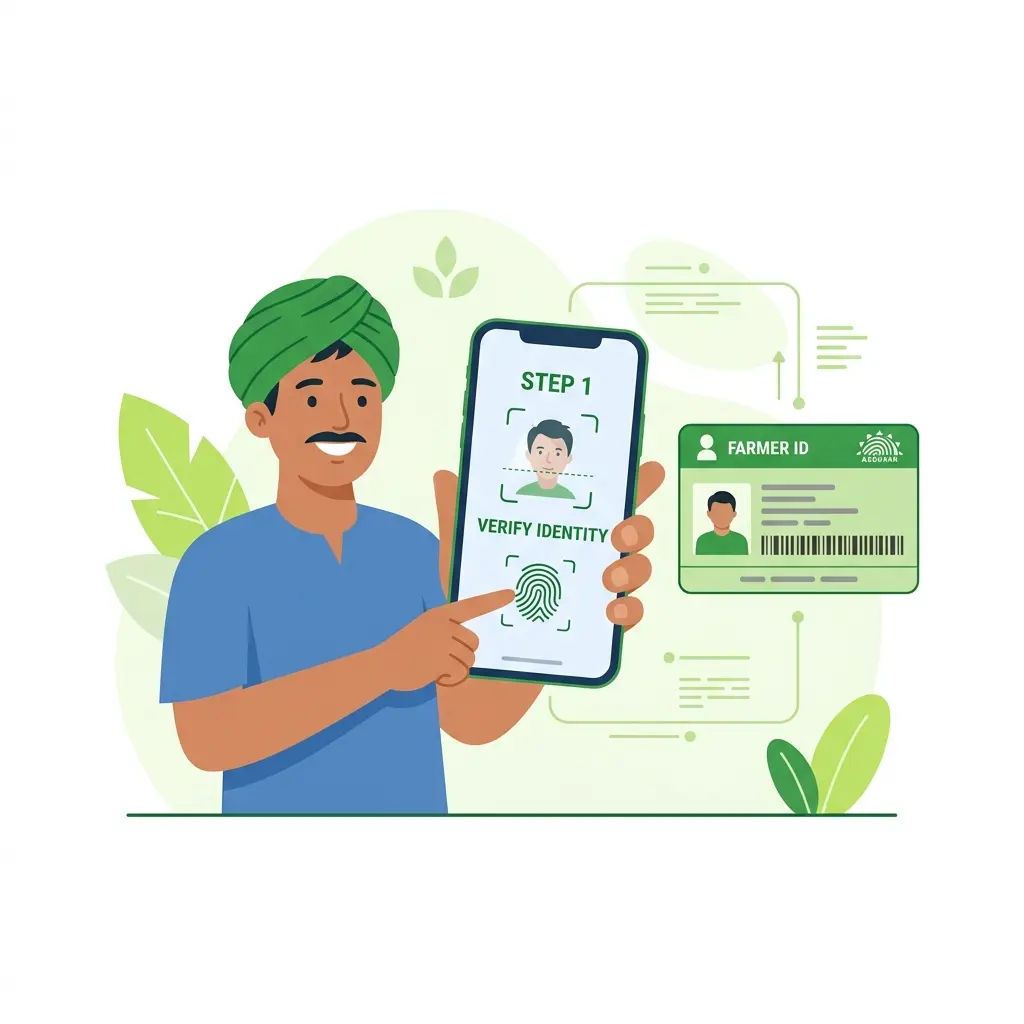
- Open the Google Play Store on your Android smartphone or click here to download the Framework for Fertilizer Sale app directly.
- Search for "Framework for Fertilizer Sale" and install the official application.
- Open the app and select your State from the dropdown menu (The app works across multiple states in India, including Maharashtra, Uttar Pradesh, etc.).
- Choose your login method:
- Aadhaar Number: If you don't have a Farmer ID yet, this is the easiest way.
- Farmer ID: If you already have a registered Farmer ID.
- Enter your number and click Send OTP.
- Enter the OTP received on your registered mobile number to verify and log in.
Step 2: Adding Your Land Records
Before you can book fertilizers, you must link your land to the app.
- On the home screen, click the "Add New Land" (Plus + symbol) button.
- The app will ask if you are the Owner or a Tenant/Sharecropper. Select the appropriate option.
- If your land records are updated, select the first option. If there is a mismatch in your name in the official records, select the "Not Updated" option.
- Enter your exact location details:
- State
- District
- Tehsil (Taluka)
- Block
- Village
- Enter your Survey Number (Gata Number) and click Fetch.
- The app will pull your land details from government records. Verify the details and save.
[!WARNING] Important: Do not add someone else's land to your profile to get extra fertilizer. The system tracks land records to prevent hoarding.
Step 3: Selecting Your Crop
The amount of fertilizer you can buy depends on what you are growing.
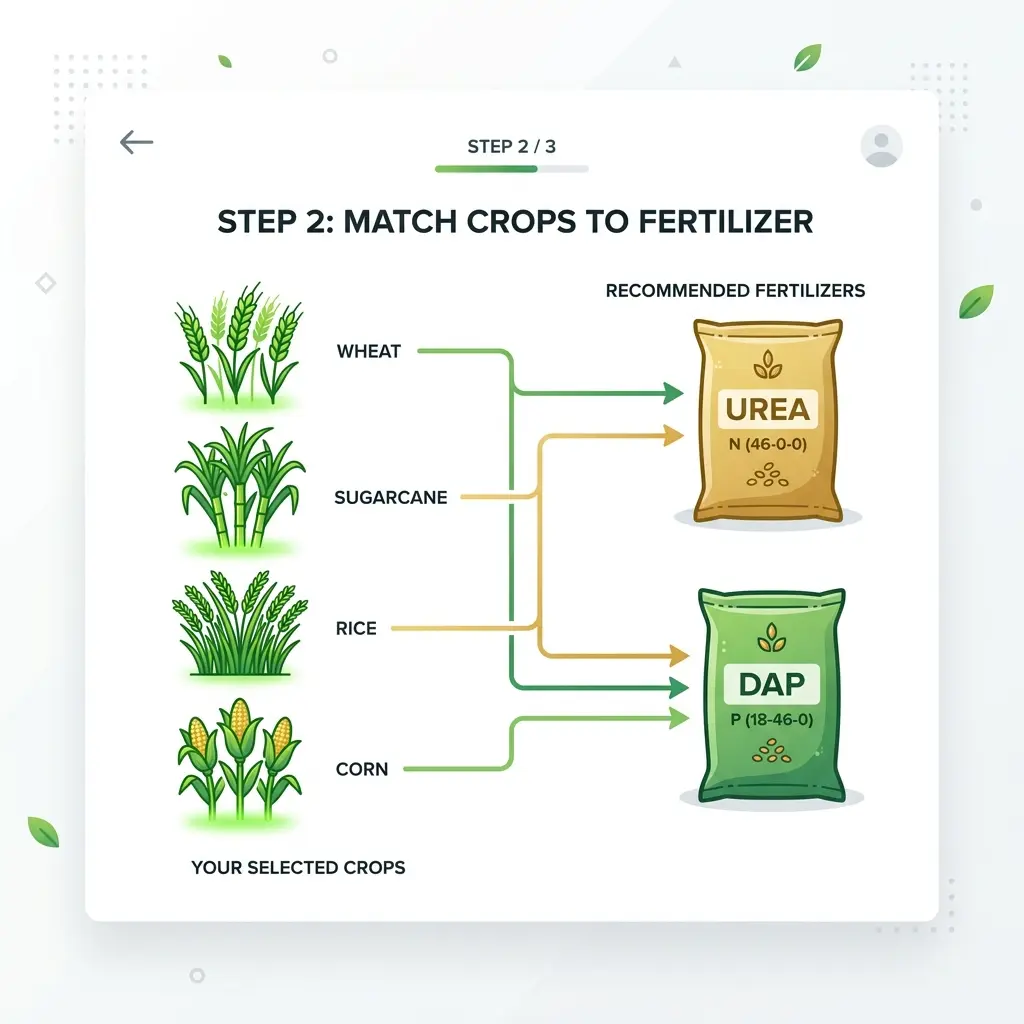
- Go to your added land profile and click "Select Crop".
- Choose the category (e.g., Oil Seeds, Vegetables, Sugarcane).
- Select the specific crop you are planting (e.g., Soybean, Groundnut, Sugarcane).
- Click "Apply for Fertilizer".
Step 4: Booking Your Fertilizer
Once your crop is selected, the FFS app will automatically calculate your fertilizer limit. For example, it might show that you are eligible for 4 bags of Urea, 2 bags of DAP, 4 bags of NPK, and 2 bags of MOP.
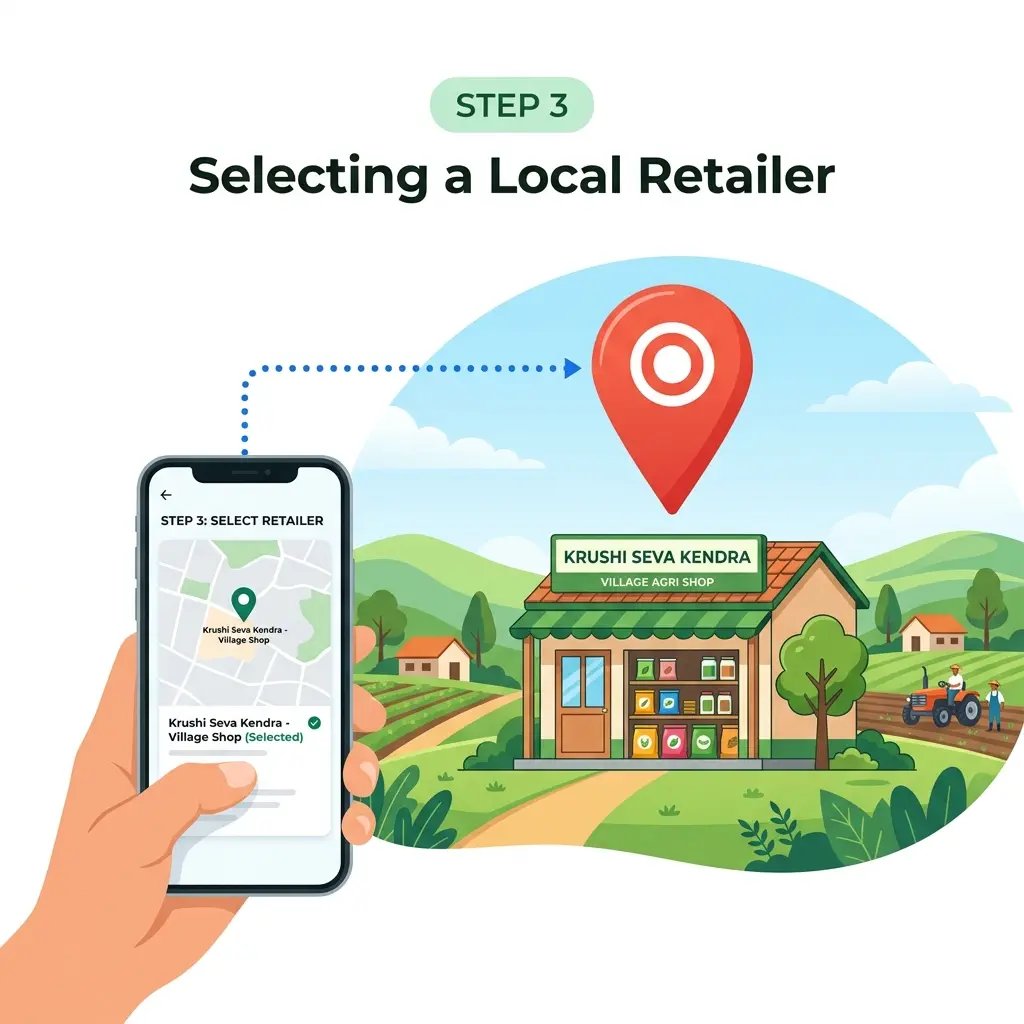
- Click "Yes, Proceed".
- A list of available fertilizers will appear.
- Adjust the quantities: Use the minus (-) button to remove the fertilizers you don't need right now. Keep only the ones you want to purchase.
- Click Next.
- The app will show a list of authorized fertilizer dealers and retailers near your village or city.
- Select your preferred dealer. (You can also select different dealers if one dealer doesn't have all your required items).
- Submit your request.
Step 5: Collecting Your Fertilizer
After submitting, the app will generate a QR Code.
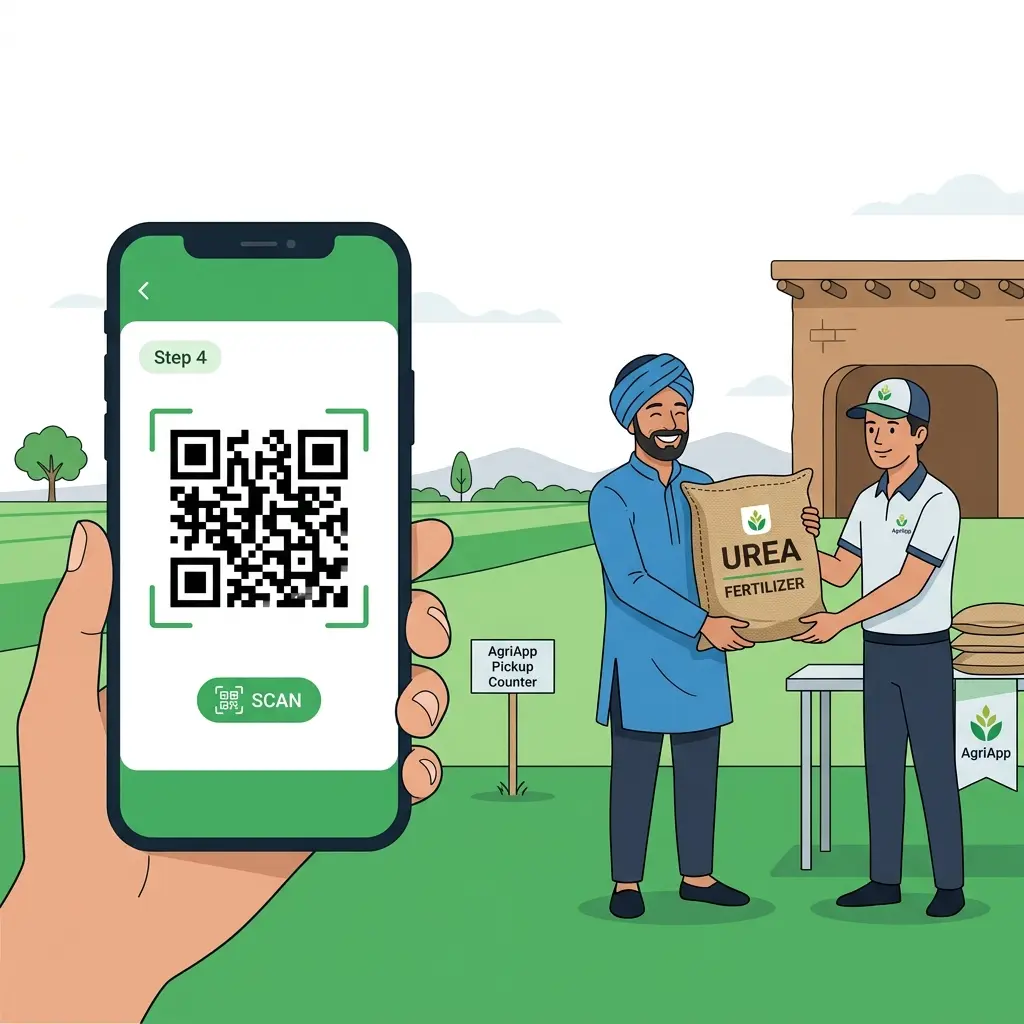
- Save the QR code or take a screenshot on your phone.
- Visit the selected dealer's shop within 3 days of booking.
- Show the QR code to the dealer. They will scan it and hand over your fertilizer.
If you change your mind or cannot visit the shop, you can easily go to the History section in the app and cancel your booking.
Are You an Agri-Input Dealer?
With the introduction of the FFS app and QR code-based sales, moving your fertilizer shop to a digital system is now more important than ever.
KrushiSarthi (KrushiSarthi) is India's most advanced, AI-Powered billing and inventory software built specifically for fertilizer, seed, and pesticide dealers. It doesn't just record sales—it completely transforms how you run your Krushi Seva Kendra:
- AI-Powered Purchase Entry: Simply scan your purchase invoices (GRN) using our AI OCR, and your stock is updated instantly.
- SATHI Portal Integration: Seamless integration with the government's SATHI (Seed Traceability) portal to automatically sync and report your inventory.
- Effortless GST Compliance: Generate GSTR-1, GSTR-3B, and e-Invoices with a single click.
- Smart Inventory & FEFO: Automatically track batch expiries and manage stock across multiple godowns to prevent losses.
- Farmer Udhaar & WhatsApp Sync: Manage farmer credit ledgers easily and send automatic payment reminders via WhatsApp.